CreateTerrain
Create GBM
Terrain is history's first word.
Sculpt, paint and shape it — right in your browser. Your own 3D earth, rising in real time.
Move past textbook maps. Build the world with your own hands.
Why Create Terrain?
Creating terrain data is more than just a technique.By recreating historical stages with your own hands and standing in the shoes of people from the past,a new world of discovery and learning opens up.
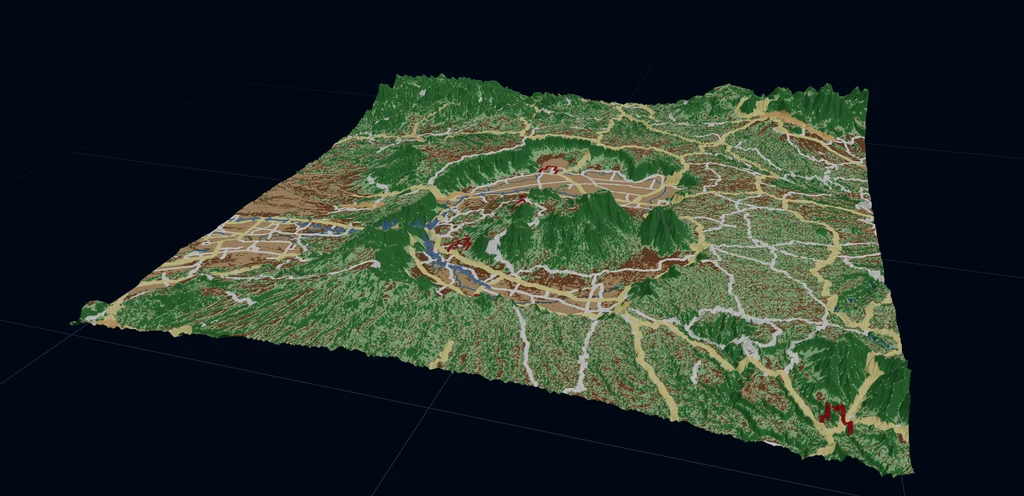
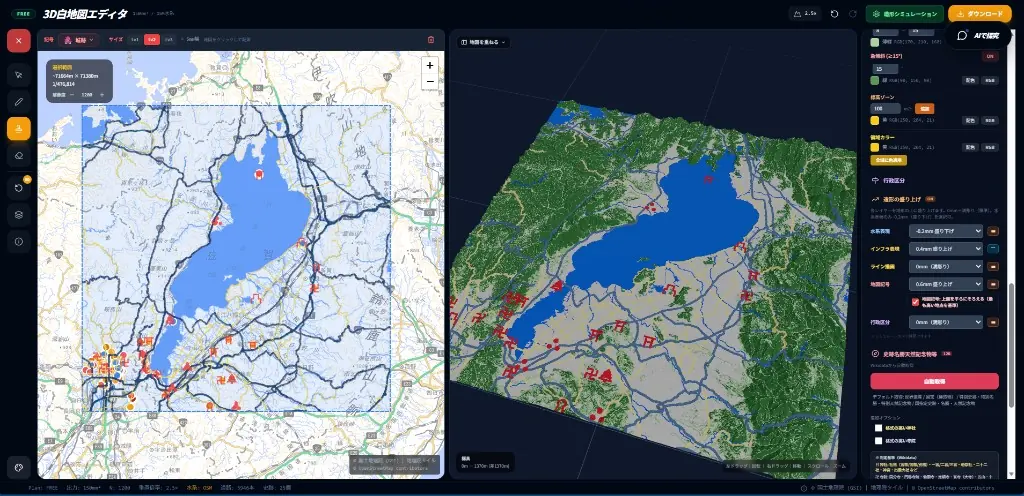
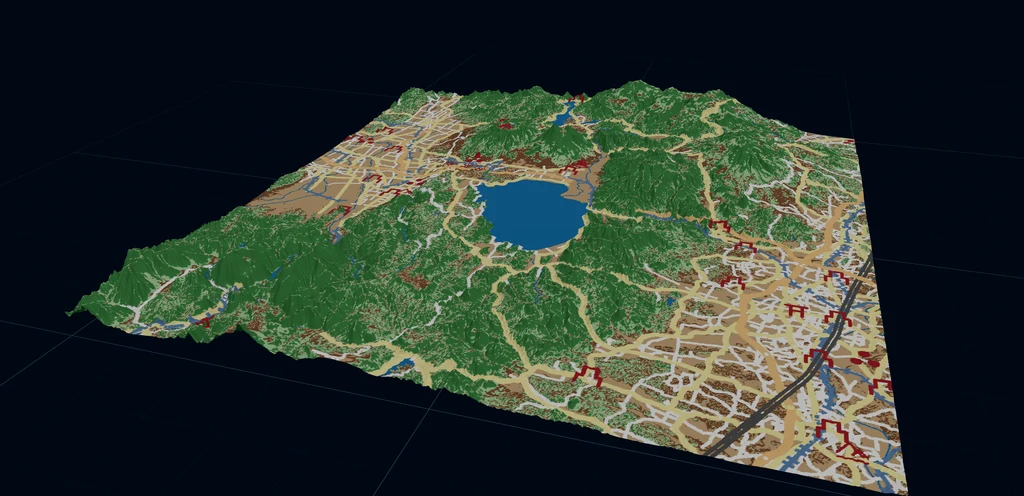
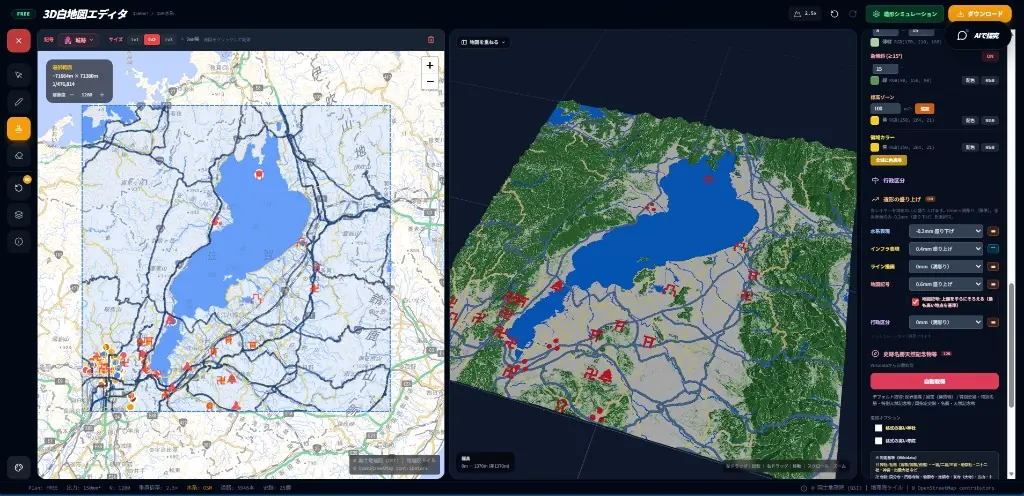
Source: Geospatial Information Authority of Japan, GSI Map Tiles (Standard map, Photo, Elevation tiles), adapted by Create GBM
© OpenStreetMap contributors (openstreetmap.org/copyright)
3D White Map Editor
Create colorful 3D terrain data and output it, all in your browser. Overlay OpenStreetMap waterways, edit maps, preview in 3D, export to 3MF/GLB/PNG/STL/OBJ, and simulate printing without Blender.
Colorful GBM Creation
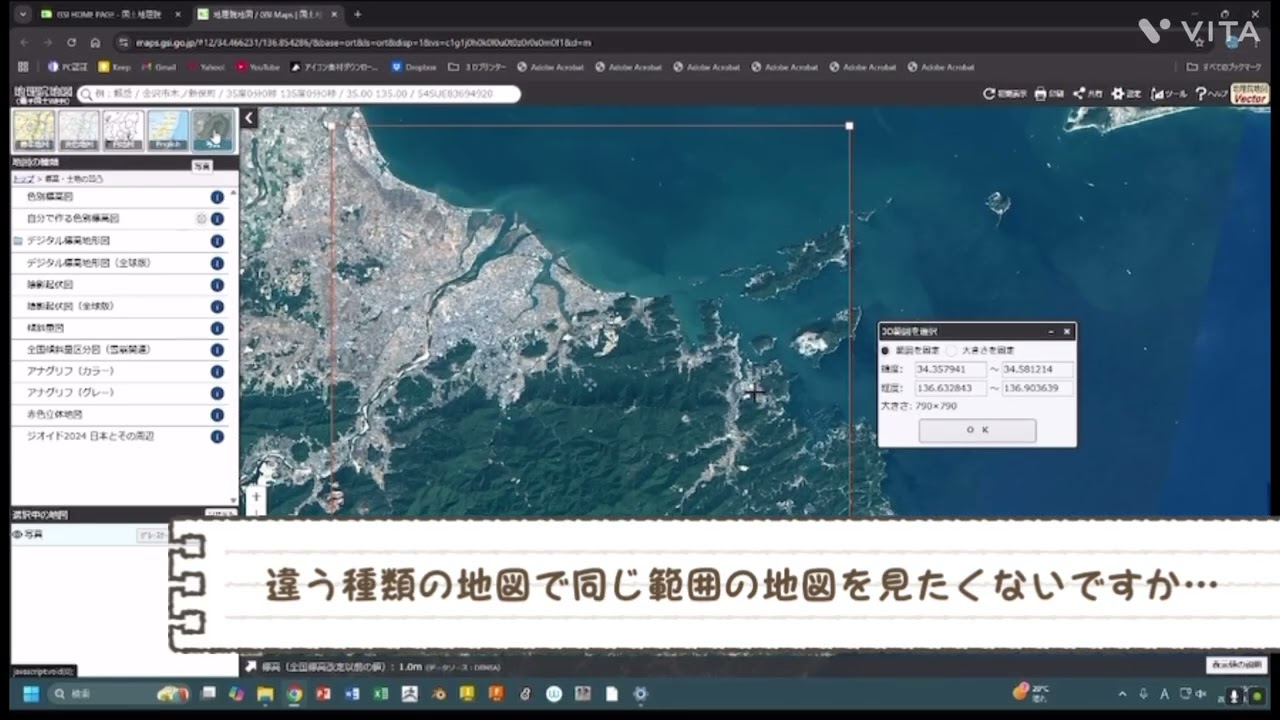
Cut out 3D terrain data from GSI Maps and bring it into Blender for coloring and finishing — a surprisingly approachable workflow, walked through step by step.
Map Lab
Experience basic GIS operations used in QGIS, right in your browser. Measure, draw, overlay, and analyze maps — designed for students.

応用技術
順次公開・拡充予定の機能です
AR Integration
Overlay terrain data on the real world with your smartphone. Experience historical stages in 3D.
順次公開Generative AI Integration
Combine AI and terrain data to generate new historical interpretations and simulations.
順次公開Layer Feature
Overlay multiple terrain data to visualize changes across time periods.
順次公開Education Integration
Utilize GBM in geography and history classes. Perfect for inquiry-based learning presentations.
順次公開さあ、地形創りの旅に出よう。
地形創りをはじめる3D White Map Editor: frequently asked questions
What can I do with the 3D White Map Editor?
Select a square area within Japan on the map, and you can build the terrain of that area as a raised white relief map right in your browser. Elevation comes from the elevation data of the Geospatial Information Authority of Japan (GSI). You can combine the terrain with geographic information such as rivers, waterways, historic sites and administrative boundaries, and bring the formation of the land and its historical background together on a single map. It is a map-making tool for not only looking at the terrain of a region, but also making it and passing it on.
Can a 3D white map become something I can hold in my hands?
Yes. You can export a 3D white map as data for 3D printing, such as 3MF, STL or OBJ, and printing it on a 3D printer turns it into a raised terrain model you can touch. Printing also requires a 3D printer and a slicer, the software that converts the data for printing. A terrain model you can touch can be used in classroom lessons, museum displays, explanatory materials at local events and more.
Do I need specialist geographic knowledge or software?
Everything from selecting an area to exporting the 3D white map data happens in the browser, so you do not need to install any software for the editor. You work through the workflow bar at the top of the screen in order (Select area, Write on the map, Check in 3D, Simulate printing, Export), so you can get started without specialist geographic knowledge. To print on a 3D printer, you will also need a slicer.
In what settings is it expected to be used?
It is intended for uses such as teaching materials for geography, history and social studies lessons at school, regional exhibits at museums and local history museums, materials for sharing terrain in community planning and disaster preparedness, and spatial study in historical research. It can also serve as a starting point for inquiry-based learning, where the terrain prompts questions such as “Why did a town grow here?” and “Why does this river flow the way it does?”
How can I make use of local history and cultural properties?
The editor can fetch the locations of World Heritage sites, National Treasures (buildings), and nationally designated Historic Sites, Places of Scenic Beauty and Natural Monuments, among others, automatically from Wikidata and show them on the terrain. You can also add Shinto shrines and Buddhist temples of high rank, or add places by searching by name. Comparing where castle ruins, shrines and temples sit in relation to the terrain gives you a clue for thinking, from the point of view of the terrain, about why historic facilities and settlements were located where they are.